
GraphIQ services
Practical help for your hardware
From a troublesome GPU to a peripheral that won't cooperate, start with the problem and get a clearer picture of the next step.
- 01Computer and peripheral repair
- 02GPU and compute system diagnostics
- 03Hardware configuration advice
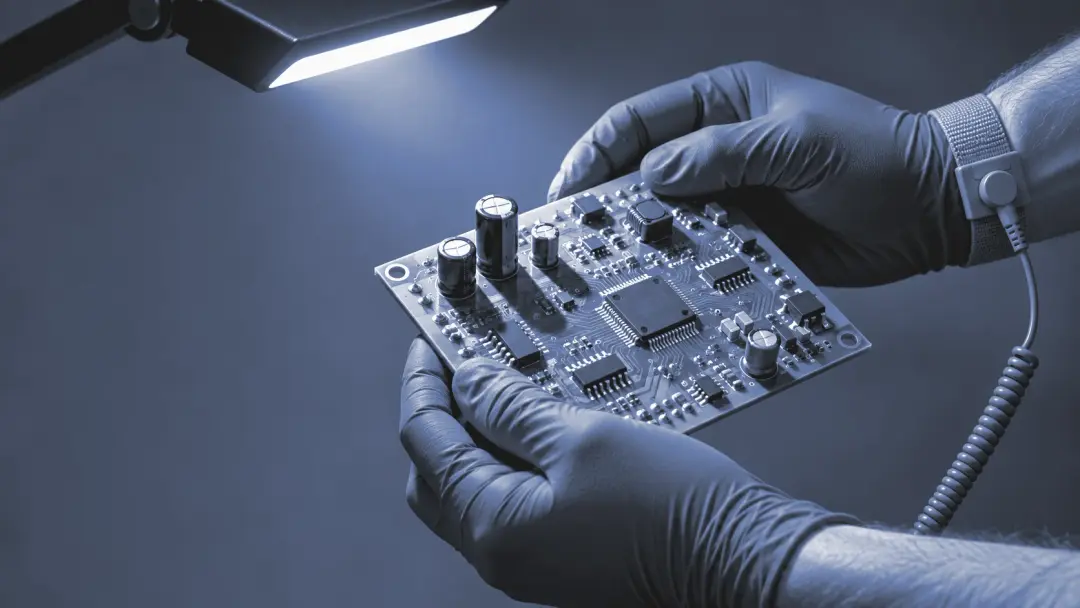
Start with what your equipment is doing
Tell us about the fault or configuration question. The more useful detail you can share, the easier it is to discuss what to check.
Describe the issue
Let us know what equipment you have, what you expected it to do, and what happened instead.
Discuss the next step
We'll talk through the issue and whether diagnostics, repair or a configuration consultation is appropriate.
Understand the findings
You'll get an explanation of the findings and any proposed work. Scope and timing depend on the equipment and the issue.
What we can help with
Our services focus on equipment problems and the hardware decisions behind them.
Computer and peripheral repair
Get help with faults affecting a computer or peripheral equipment. The work depends on the issue identified and what the equipment needs.
Scope depends on the fault
GPU and compute system diagnostics
When graphics or compute hardware isn't behaving as expected, diagnostics can help identify the problem before repair options are discussed.
Diagnostics and troubleshooting
Hardware configuration consultation
Talk through your hardware configuration and how components relate to your workload. We can help you make sense of considerations such as VRAM, compute performance and thermal headroom.
Technical consultation
Good hardware advice starts with the problem in front of you, not the loudest specification on the box.
Service questions
What should I tell you about a fault?
Share the equipment involved, the symptoms and when they occur. Error messages and any recent changes can also help us understand where to start.
Can you help with a GPU used for AI workloads?
You can discuss GPU diagnostics or hardware configuration with us. Tell us about the system and workload so we can understand the issue.
Will diagnostics always lead to a repair?
Not necessarily. The next step depends on what the diagnostics reveal and whether a repair is appropriate.
How long will the work take?
Timing depends on the equipment and the issue. Discuss the scope and expected timing with us before work begins.
How is my personal information handled?
You can read about how personal information is collected and used in the privacy notice.
Let's talk about your equipment
Describe the fault or hardware question, and we'll discuss a sensible place to start.